
Once Supplier is invited to an event, they receive email invitations:
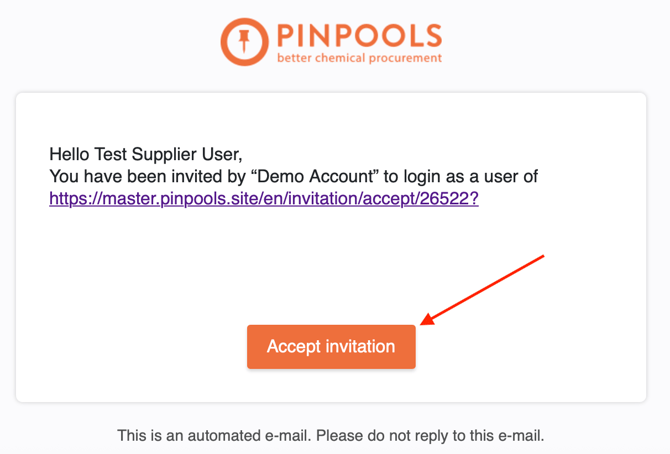
a) if Supplier is a new user, they first receive email with active button Accept invitation:
b) email invitation with active button Participate is sent to both new and returning users:

When User clicks on the buttons Accept invitation or Participate, they are automatically redirected to PINPOOLS website.
If User is new or logged out, they need to log in first. In order to do so, new Supplier should do the following:

1. Create a password according to such criteria:
- not less than 8 symbols;
- one uppercase and one lowercase letters;
- one symbol.
2. Confirm the password by inserting the same password in the second field.
3. Accept Terms and Conditions: put ticks next to the three following lines
1) "I agree with Terms and Conditions and Privacy Notice"
2) "I confirm that I am acting commercially"
3) "I agree to the processing and disclosure of personal data for transactional purposes".
After these steps are done, Supplier will have the access to all events they are invited to, which can be found in My Requests section.

If Supplier has any difficulties or questions on any stage of logging in and further usage of the platform, they should contact Customer Support service by clicking on an orange circle button in the bottom right corner of the page.